 WolfTrench
WolfTrench
WolfTrench
WolfTrench pulls on-chain data and evaluates structural risk signals — liquidity depth, transaction entropy, and lifecycle stage — so you can filter noise before entering a position.
python3 --version on Mac/Linux, or python --version on Windows.Python 3.11.2 — you're good, skip to Step 1.wolftrencherv8.zip.
Once downloaded, double-click it to unzip — you'll get a folder called wolftrencherv8.
You can put it anywhere: Desktop, Documents, wherever.
Next, you'll navigate to that folder in the terminal to run the installer, but you need to unzip that file first. Don't skip the second unzip step!
cd (with a space after it), then drag the wolftrencherv8 folder onto the terminal window — it fills in the full path automatically. Then press Enter.
cd ~/Desktop/wolftrencherv8
wolftrencherv8 folder name.
python3 install.py
http://localhost:5050
wolftrencher
pip3 uninstall wolftrencher -y and delete the Desktop shortcut. Then you can re-run install.py fresh any time.
wolftrencherv8 folder anywhere — Desktop, Documents, etc.cd then drag the folder into the terminal to auto-fill the path.cd ~/Desktop/wolftrencherv8
pip3 install requests websocket-client
-e flag means "editable" — code changes you make take effect instantly, no reinstall needed.pip3 install -e .
WolfTrencher.command on your Desktop with this content:#!/bin/bash
wolftrencherchmod +x ~/Desktop/WolfTrencher.command
wolftrencher
http://localhost:5050 in your browser. Keep the terminal open while scanning.python3 -m pip install requests websocket-client and python3 -m pip install -e . instead.
python3 -m pip install requests websocket-clientpython3 -m pip install -e .pip3 install websocket-clientwolftrencherv8/ (the outer folder), not inside the inner wolftrencher/ subfolder. Run:
cd ..wolftrencher/config.py and change GUI_PORT to something else like 5051. Then visit http://localhost:5051 instead.
python3 -m venv .venvsource .venv/bin/activatepip install requests websocket-client && pip install -e .wolftrencherpython -m venv .venv.venv\Scripts\activatepip install requests websocket-client && pip install -e .wolftrencherpip3 uninstall wolftrencher -yrm ~/Desktop/WolfTrencher.commandwolftrencherv8 folder you unzipped stays on your disk — delete it manually if you want a full clean slate. Then re-run install.py to start fresh.
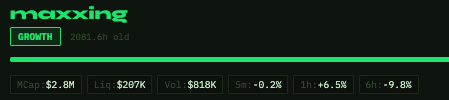
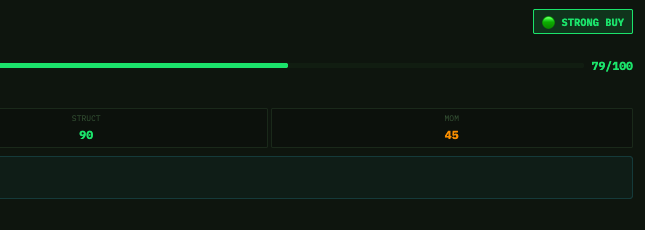
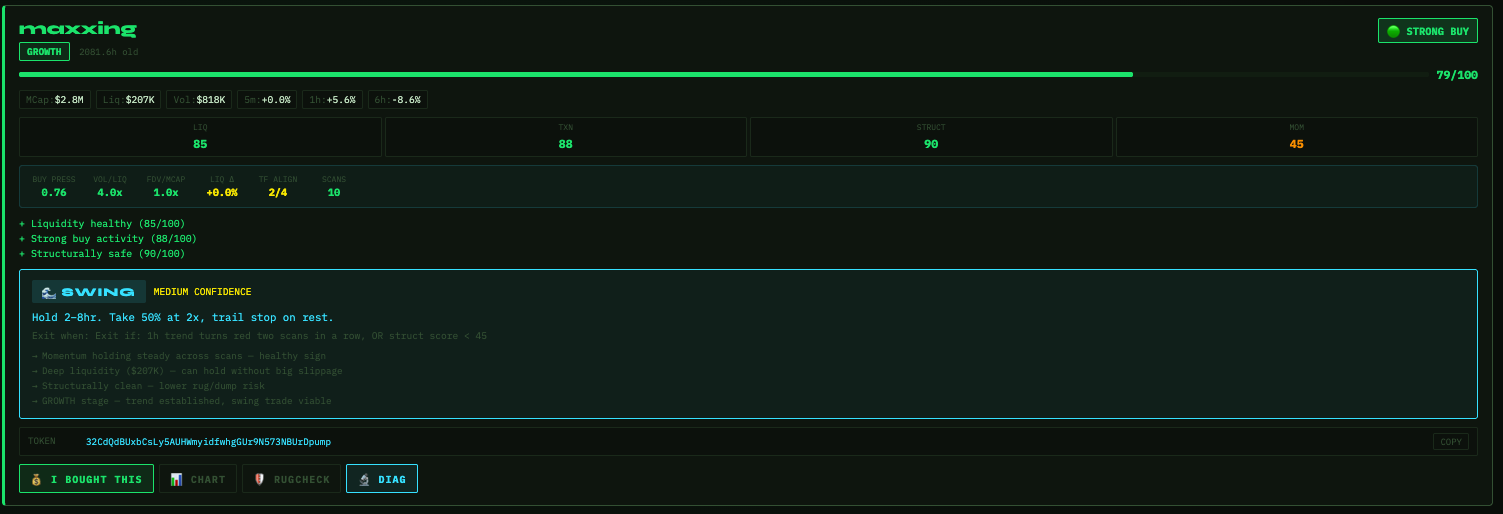
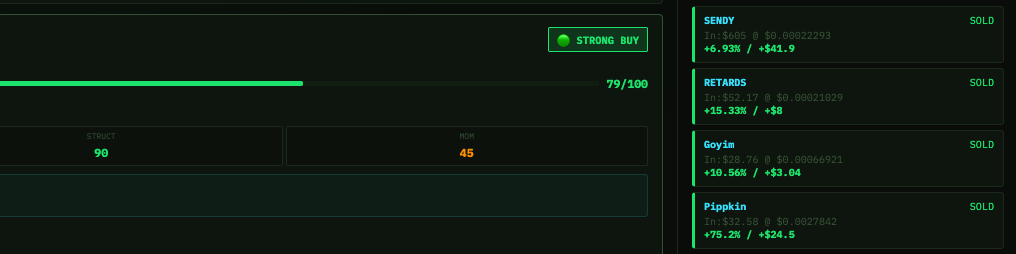
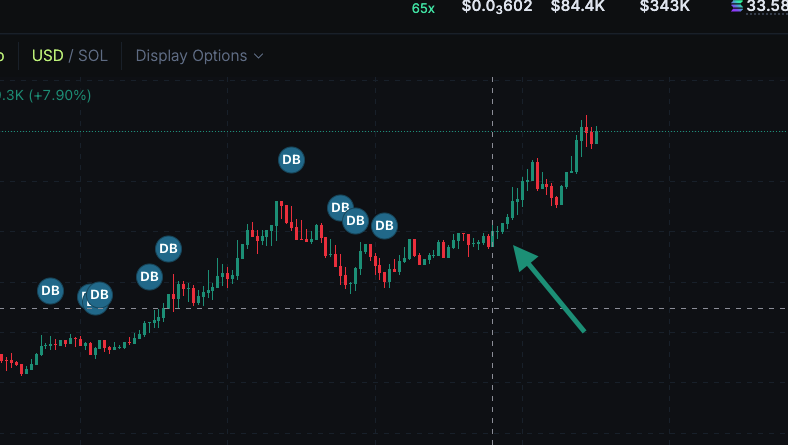
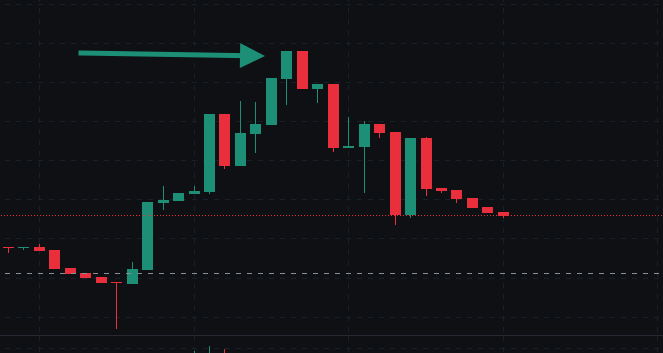
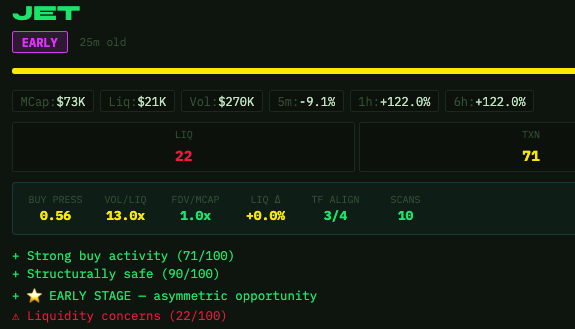
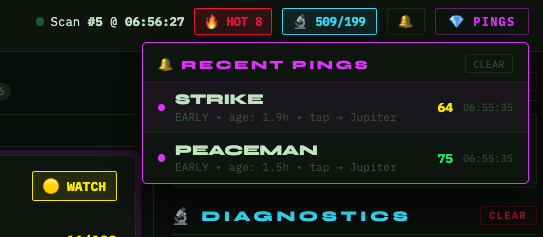
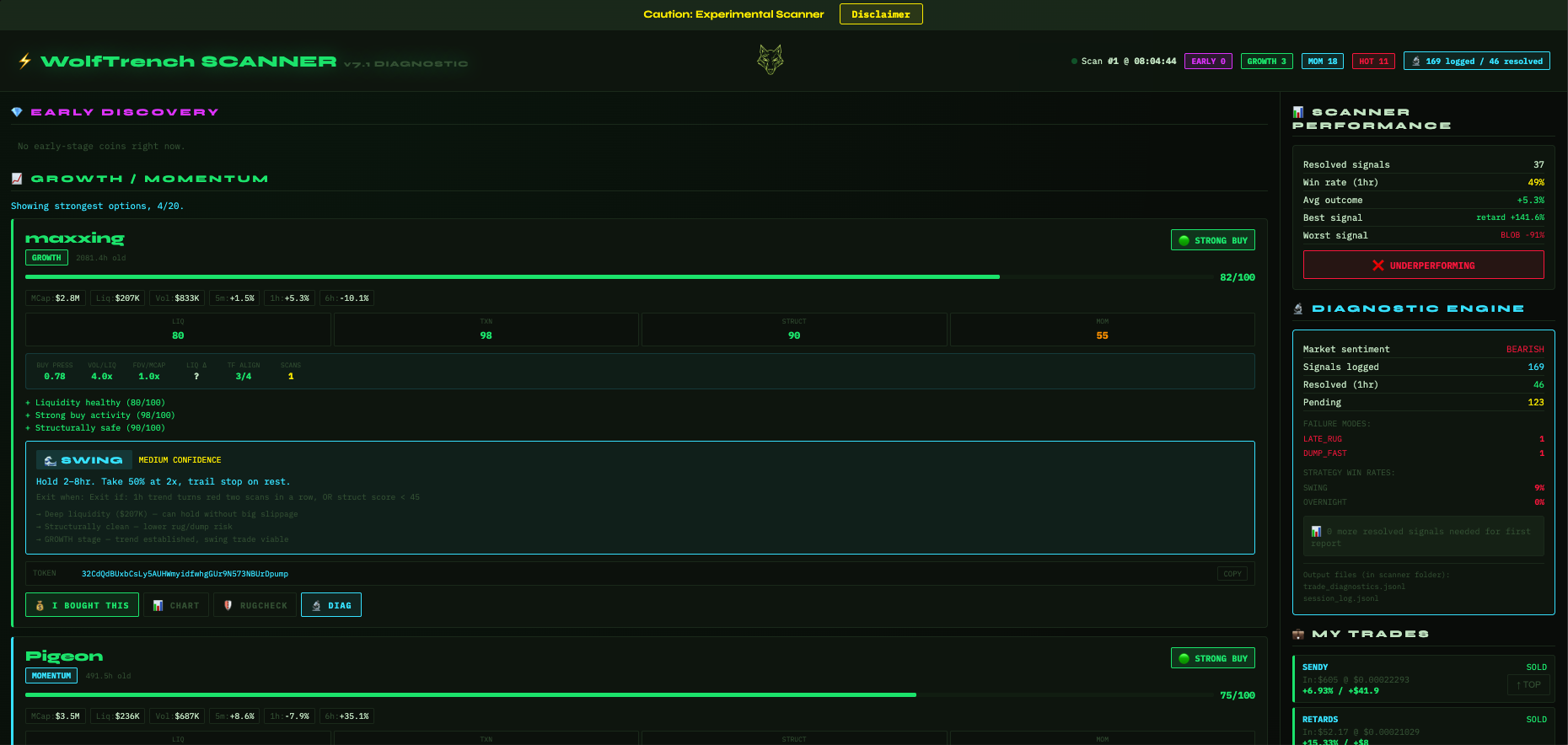

I built WolfTrench because I got tired of making decisions based on charts alone. Most meme coin tools either show price data you can already see on DEX screeners, or they're vague signal bots with no visibility into what's actually happening structurally. This tool is my answer to that — a local scanner that gives me a structured read before I commit capital.
I use this personally. I update it based on what I'm seeing in the market. If something stops working or a new pattern shows up, I fix it. Support is direct — no ticket system, no auto-replies.
Nothing on this site or produced by the scanner constitutes financial or investment advice. This is a research and analysis tool, not a trading service.
Scanner outputs are probabilistic assessments of structural conditions. A high score does not mean a trade will be profitable. Markets are unpredictable.
Meme coins carry extreme volatility and high risk of total loss. Only trade with capital you can afford to lose entirely. The scanner cannot protect against rug pulls or sudden liquidity exits.
All trading decisions are made by you. The developer is not responsible for losses incurred based on scanner output or any information on this site.